
01
Drop your files.
Drag one file or several into the HASHME box above. On a phone, tap to choose your files. Nothing is uploaded.
ONE FILE OR A WHOLE BATCH
If even one byte changes,
HASHME will know.
Want to know for certain whether a document, image or other file has been tampered with? HASHME detects the difference—byte for byte.
HASHME — DETECTS & PROTECTS. INSTANTLY.
 HASHME
DOWNLOAD IT. USE IT. OWN IT.
01 / THE WORKFLOW
Just your files and their SHA-256 fingerprints, calculated on your own machine.
Drag one file or several into the HASHME box above. On a phone, tap to choose your files. Nothing is uploaded.
HASHME reads each file in small chunks and calculates its SHA-256 hash on your device. Follow the progress as it works.
Copy a complete 64-character hash, or copy all results with their filenames. Clear the panel when you’re finished.
SHA-256, WITHOUT THE JARGON
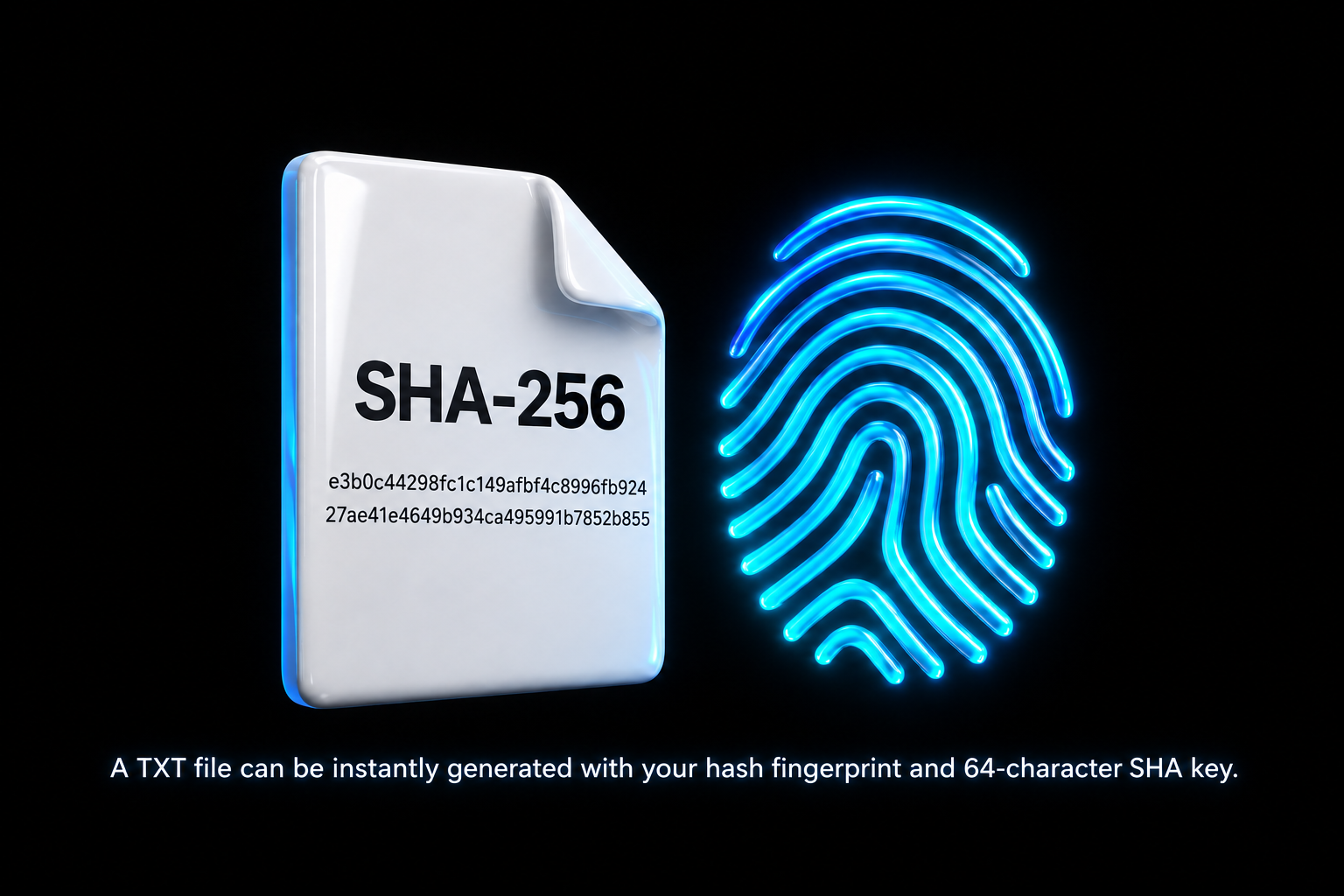
SHA-256 reads the contents of a file and runs them through a fixed set of mathematical steps. The result is a 256-bit fingerprint, displayed as 64 letters and numbers. The same contents always produce the same hash; even a tiny edit produces a very different-looking result. HASHME reads your file to calculate that fingerprint. It does not change the file or embed anything inside it.
Why use it? Compare a download with a hash published by a trusted source, or compare an original with a backup. Matching hashes give strong evidence that the contents match; different hashes show something changed. A hash checks integrity—it is not encryption, a virus scan or proof of who made the file.
2cf24dba5fb0a30e26e83b2ac5b9e29e1b161e5c1fa7425e73043362938b9824
185f8db32271fe25f561a6fc938b2e264306ec304eda518007d1764826381969
The dog and framing stay the same. Increasing contrast and clarity changes the image’s pixel data—and its SHA-256 fingerprint.

97864d39da1f56ef9681e2178e49251f4c3cd8f0fcd57ccffa520bb259e310f0

a4bd3e2b0c63ee420cda6cdf4df104630405ab18a3cbfe825ca2a9145c5c6468
The same visual. One minor edit. A completely different SHA-256 fingerprint.
A fingerprint, not encryption.
HASHME reads your file locally and calculates its SHA-256 fingerprint on your device. It does not upload your file or send filenames and results to a HASHME server. It does not write hashes, tags or metadata into the original file. Results live in this page’s memory; clearing the panel or reloading removes them.
Yes. Open this page while online and wait for OFFLINE READY beneath the HASHME box. Then disconnect and keep the page open: selecting files, hashing, copying results, clearing and starting again all work locally. Reopening or refreshing the website needs a connection. The Windows desktop app runs offline after installation.
A SHA-256 hash is a 64-character fingerprint of a file’s contents. You can compare it with a trusted published hash or with the hash of another copy to check integrity. Renaming a file does not change its hash. A hash is not encryption and does not establish whether a file is safe to run.
Any file type—including documents and PDFs, photos and graphics, audio, videos, ZIP archives and software installers. HASHME calculates SHA-256 from the file’s raw data, so its format or extension does not matter. Your file stays unchanged.
Select or drop one file or several. Folders cannot be hashed directly in the browser; ZIP a folder first to calculate a hash for the ZIP file.
Yes. HASHME v1.2 for Windows 11+ x64 adds a floating desktop strip, local verification records, Pair Match, .sha256 sidecars and SHA256SUMS manifests. Changed baselines require explicit approval before replacement.
The browser edition above generates SHA-256 fingerprints. The desktop version provides the catalogue and verification features. Check the desktop release details.
02 / BUILT FOR EVERYONE
Practical tools should be within everyone’s reach. HASHME is free to use, from KANE-O-TECH. Download it. Use it. Own it.
 GOT HASH?NOW YOU DO.
Get HASHME v1.2 for Windows. A small, offline tool for hashing files and checking their integrity.
Download for WindowsDownload passcode: sha256
Enter this on the download page when prompted.
sha256 when the protected download page asks for the passcode.Windows may mark an internet download as blocked. Check the signature and fingerprint first; use Properties → Unblock only after they match.
9d90fbc68d3f02e011eca9cf84885f6d62d1763b3719eb0b2aa299f20d804156
Drop the downloaded installer into HASHME above and compare its fingerprint with this one. All 64 characters should match.
Questions about HASHME? Contact KANE-O-TECH.
03 / STRAIGHT TO THE SOURCE
Information, enquiries or a hand getting started.
One address for all things HASHME.